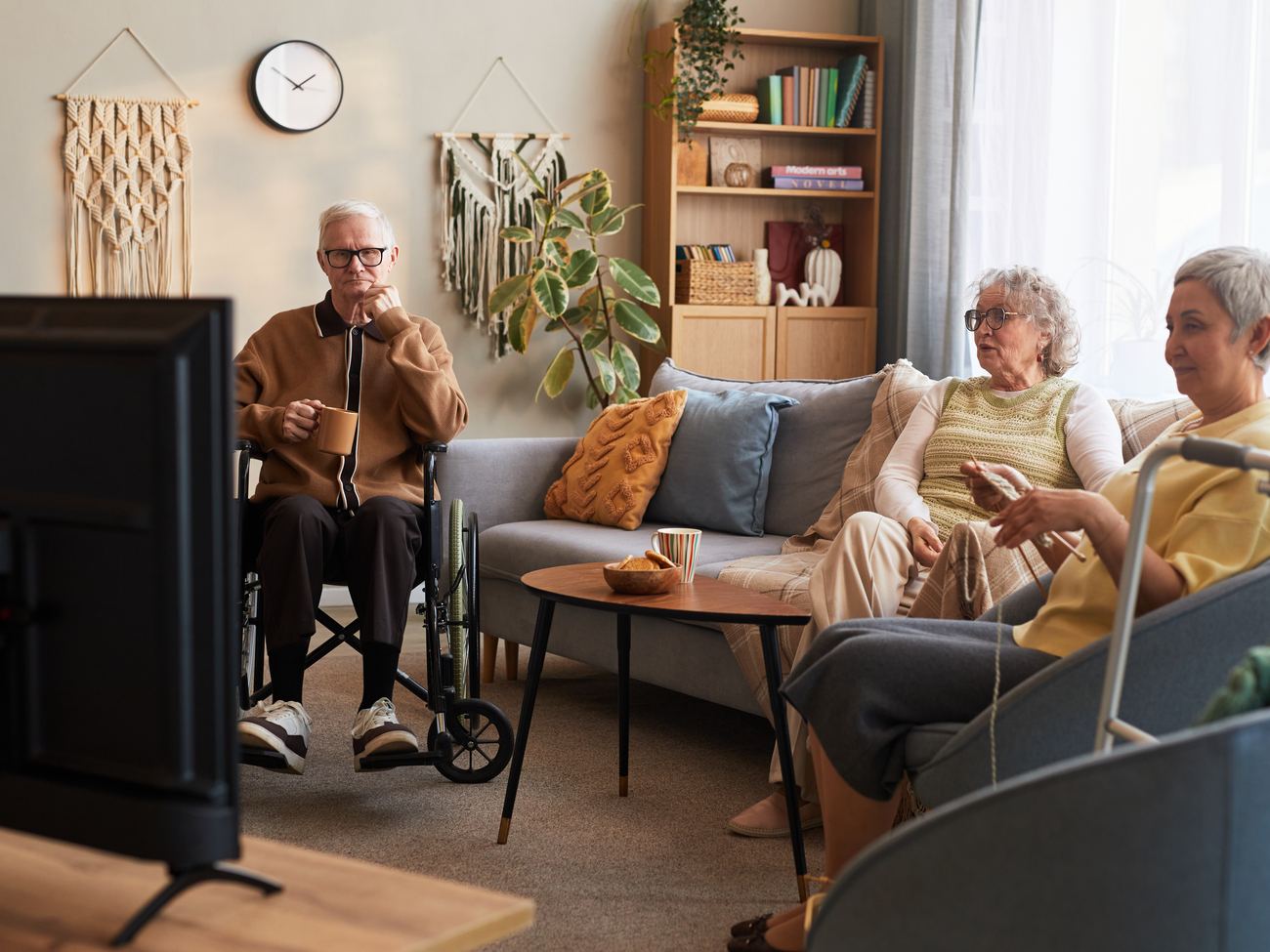
Television is one of the few parts of a resident’s day that is fully theirs. It is the evening news they have watched for fifty years, the ball game with the grandkids on the phone, the channel that is on in the background while they fall asleep. When it breaks, your front desk hears about it first.
This guide walks through how to choose a TV system for an assisted living community: what residents actually need, the three ways to deliver it, and the questions that separate a provider who installs and leaves from one who stays. It is written for executive directors, administrators and maintenance leads, and it applies to independent living and memory care with a few notes along the way.
What residents need from TV
A resident room is not a hotel room and not a living room. Residents stay for years, many have limited vision, hearing or dexterity, and some are living with dementia. That changes what “good” means:
- Nothing to break in the room. Loose cables, input buttons and set-top boxes cause most TV complaints.
- A familiar lineup. Local news, the classic channels, faith programming and the home team.
- Easy to read and hear. Large text, closed captions available on every set, and a remote with big, clear buttons.
- The community on the screen. Today’s activities and menus on a channel residents already know how to find.
- Fast help when it stops working. A single number, and someone who knows your building.
The three ways to deliver it
Almost every community ends up with one of three designs. Each can work; they fail in different ways.
| Cable with a box per room | Central system (headend) | Streaming per unit | |
|---|---|---|---|
| How it works | The cable company runs service to each TV, each with its own box. | One rack in an equipment room feeds every room over the existing coax. | A small device on each TV plays channels over the building’s internet. |
| In the room | A box and remote per TV. | Just the TV and a simple remote. | A streaming device on each TV. |
| Community channel | Usually separate signage. | A channel in the lineup on every TV. | Possible as an app or channel. |
| Depends on | The cable company’s footprint. | Satellite reception and the headend. | Wi-Fi strength in every room. |
| Best fit | Small buildings inside a cable footprint. | Most assisted living and memory care. | Apartment-style communities with strong Wi-Fi. |
For most assisted living communities, the central system wins on the thing that matters day to day: there is nothing in the room to unplug, and every room has the same lineup and the same community channel. Our complete TV systems page shows how a headend works; streaming TV covers the per-unit option.
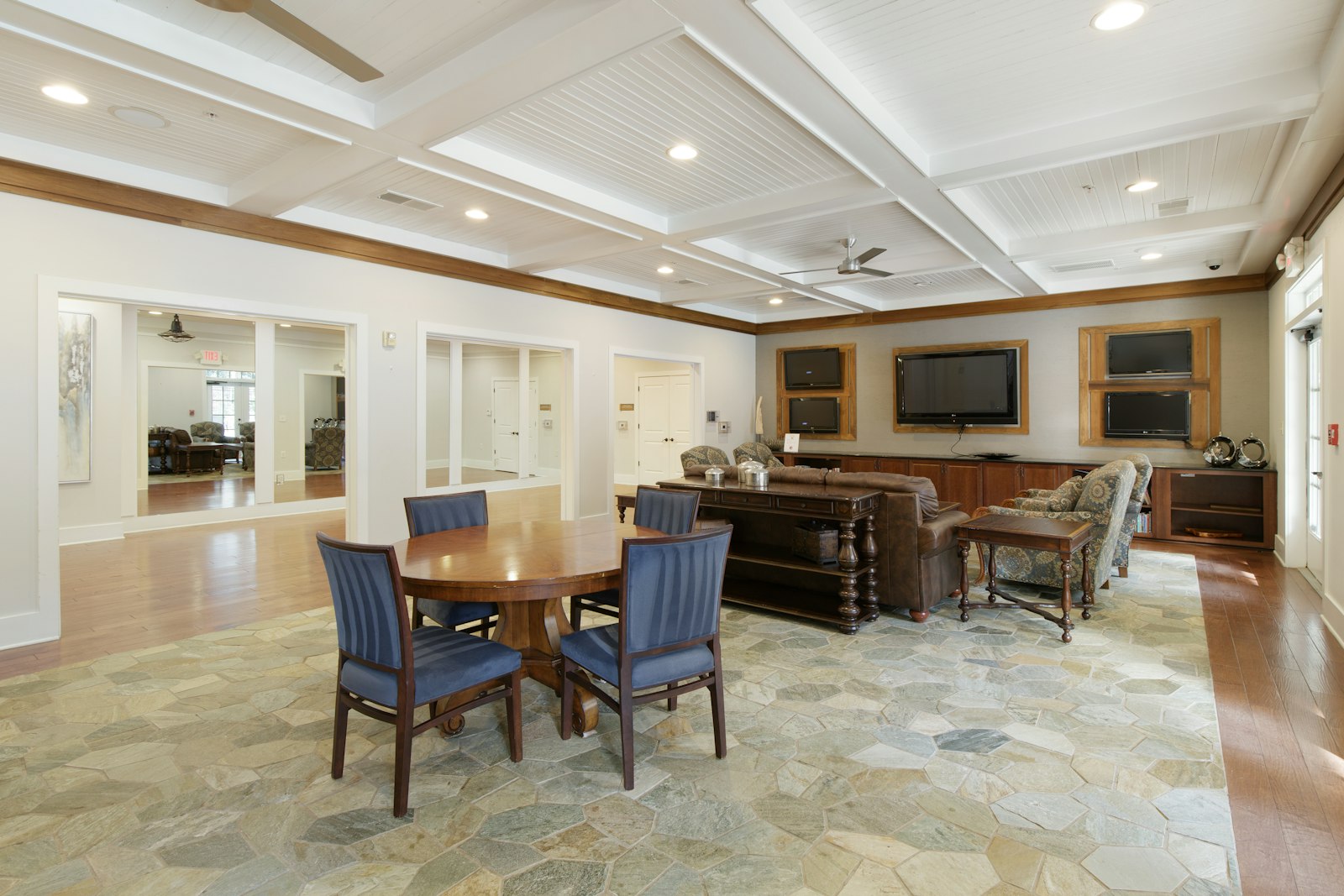
Channels: locals, sports, faith and language
Package names hide the details that residents care about. Before you compare prices, check four things for your address:
- Local channels. The local news and network shows are the most-watched channels in most communities. Confirm they are included and on the numbers residents expect. Our DIRECTV locals page lists them by market.
- Regional sports. Regional sports networks carry the home team, and they are sold by market. Residents who moved from another state will ask for their old team too; ask how out-of-market packages work. See regional sports by market.
- Faith programming. Services and religious channels are daily viewing for many residents.
- Language. If you have residents who prefer Spanish or another language, ask which channels come in which package.
A channel lineup generator lets you build and print the room card before you commit, so you can see the lineup your residents will actually get.
Accessibility and memory care
The best lineup in the world does not help a resident who cannot find the channel. Ask to hold the remote. Look for large buttons, few of them, and no input or source button that can leave the TV on a blank screen. Closed captions should be easy for staff to switch on and stay on.
In memory care, less is more. A shorter lineup of familiar channels, a TV that always powers on to the same place, and nothing a resident can change by accident will prevent more calls than any feature list.
The community channel and families
Most communities still print activity calendars and menus, then answer the same questions at the front desk all day. A community channel puts today’s schedule, the dining menu, birthdays and notices on a channel in every room, updated by your activities director from a browser.
The same content can reach families. A family companion app shows adult children what is happening today, what is for dinner and when they can visit, on their own phone. Families feel closer, and your receptionist fields fewer calls.
Support: who shows up
TV support in senior living is not a call-center problem; it is a Friday-night problem. When you compare providers, ask who answers the phone after hours, who drives to your building, and whether they are employees or subcontractors. The strongest answer is a provider whose monitoring tells them a system is down before your staff notice, whose own technicians know your equipment room, and who gives you one number for every building.
How to compare the cost
Channel packages are the smallest part of the decision. To compare honestly, put every provider on the same page:
- Monthly cost per room, all-in, including commercial licensing.
- Equipment and installation, and who owns the equipment.
- Add-ons: local channels, sports, premium channels, the community channel.
- Support terms: response time, after-hours coverage, on-site visits.
- Term length and what happens at renewal.
Then set it next to what you pay today for TV, internet and phones together. Many communities find the savings in the bundle rather than in the TV line. That is why we start every conversation with a free review of your current bills.
What installation looks like
A good installation is invisible to residents. Most buildings can reuse their existing coax. The work is scheduled around meals, therapy and quiet hours, finished room by room, and the old service stays on until each room is live, so no resident loses TV for a night. Ask for the schedule in writing and who your contact is during the switch.
Ten questions to ask any provider
- Is there a box in, on or behind each TV?Every box is a failure point residents can unplug.
- Who installs it, your employees or a subcontractor?You want the same team that installs to be the team that comes back.
- How do you know when our system goes down?The best answer is monitoring that alerts the provider before your staff call.
- What is the full monthly cost per room, including licensing and add-ons?Ask for it in writing, beside what you pay today.
- Which local channels and regional sports networks reach our address?Carriage is by market; get the list for your building.
- Can we put our own activities, menus and notices on the TVs?A community channel is built for this; signage screens are not.
- How do families see what is happening?Look for a family app that shows the same schedule, without another login to manage.
- What does the remote look like, and are captions on by default?Ask to hold the remote your residents will use.
- How is the switch scheduled around residents?Room by room, with no night without TV.
- Who handles our internet, phones and nurse call?One team for the building means one call when something crosses systems.