 Community Channel
Your building’s own TV channel.
Menus, activities, announcements.
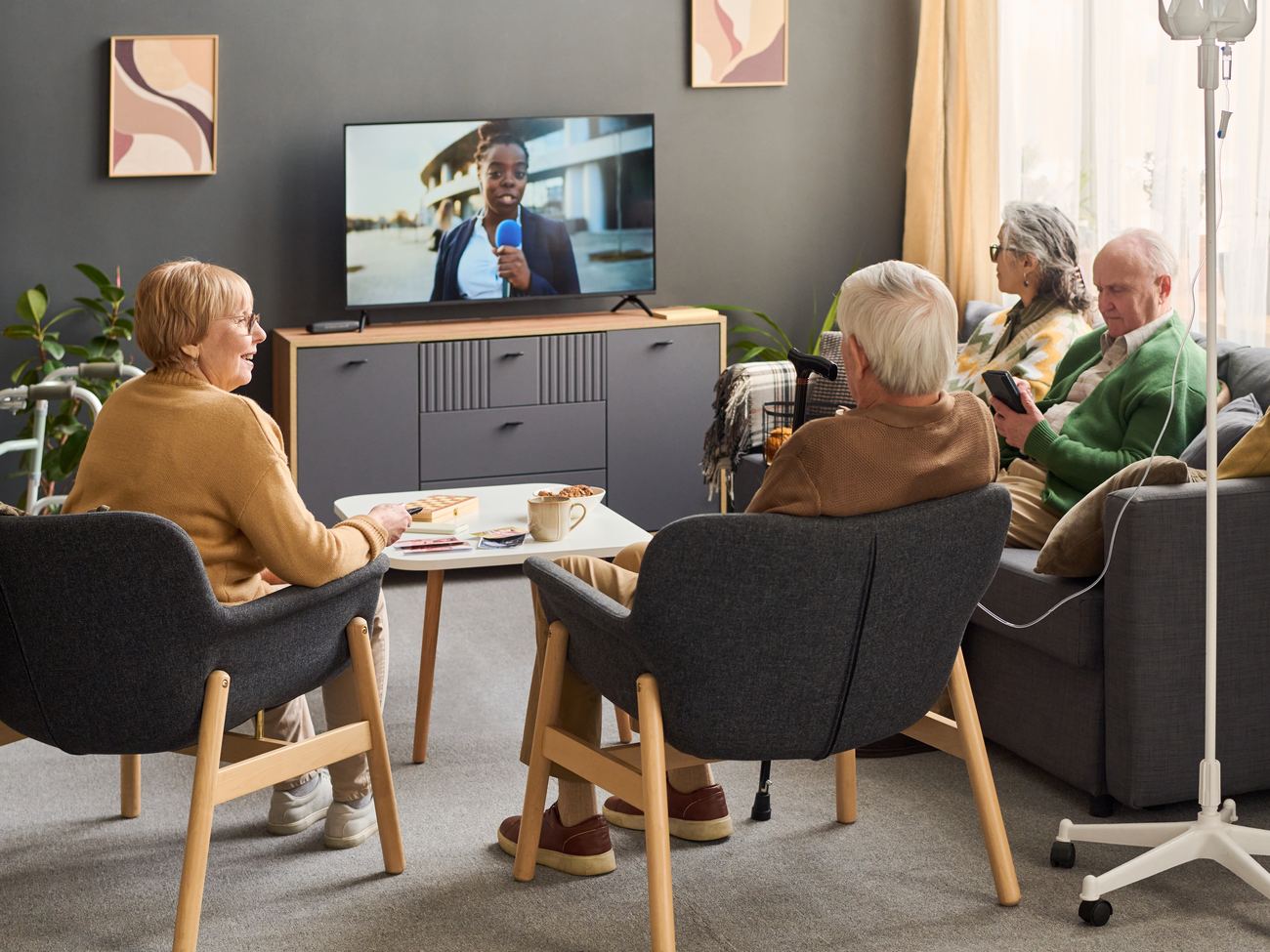
A channel residents and guests tune to like any other — dining menus, activity schedules, birthdays and notices, on every television in the building. Your team updates it from a browser and new content reaches every screen in about a minute.
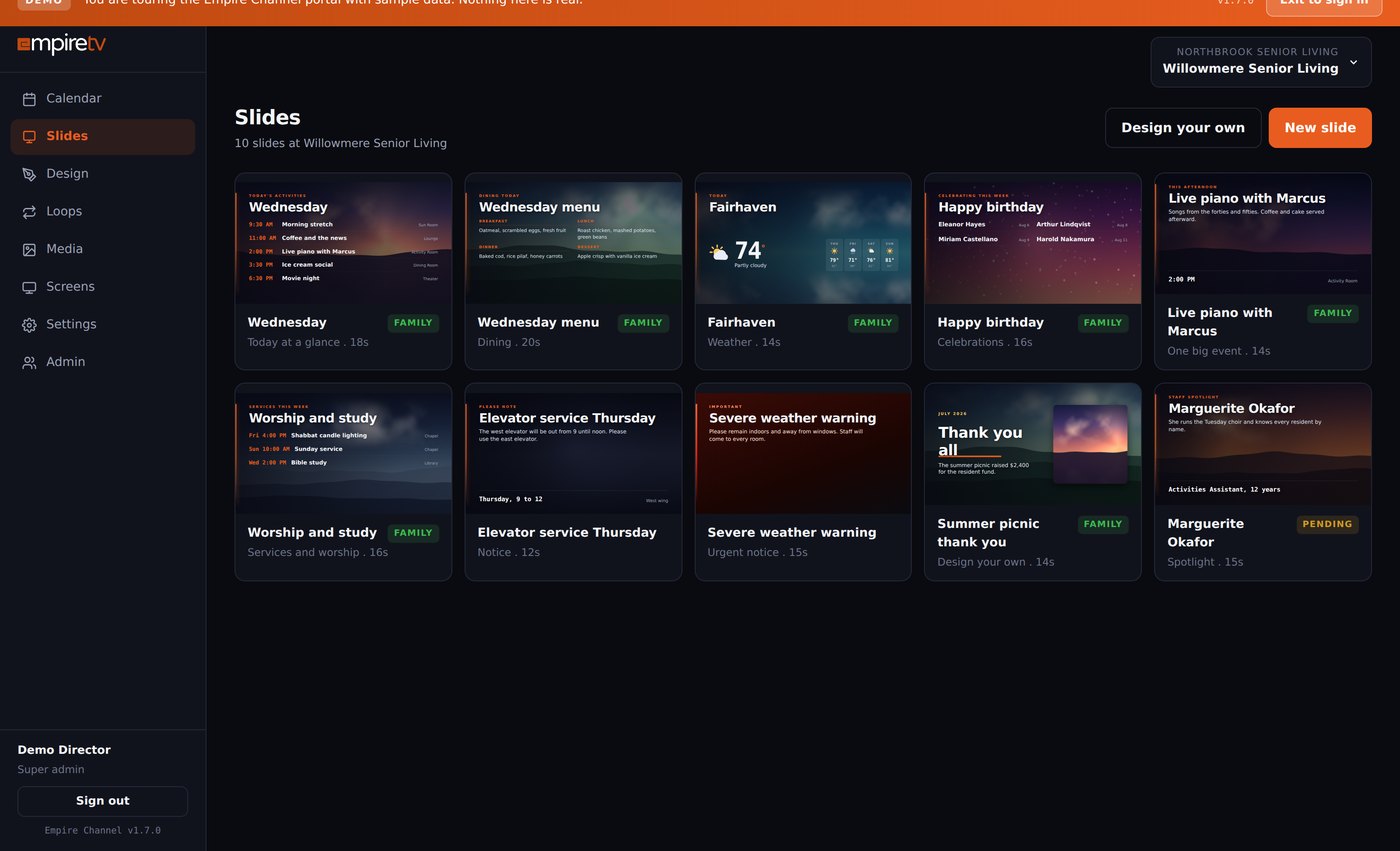
Twelve screens written for
community life.
Every template exists because a recreation director asked for it. Type is sized to read from a doorway, with the contrast and scale residents with reduced vision need.
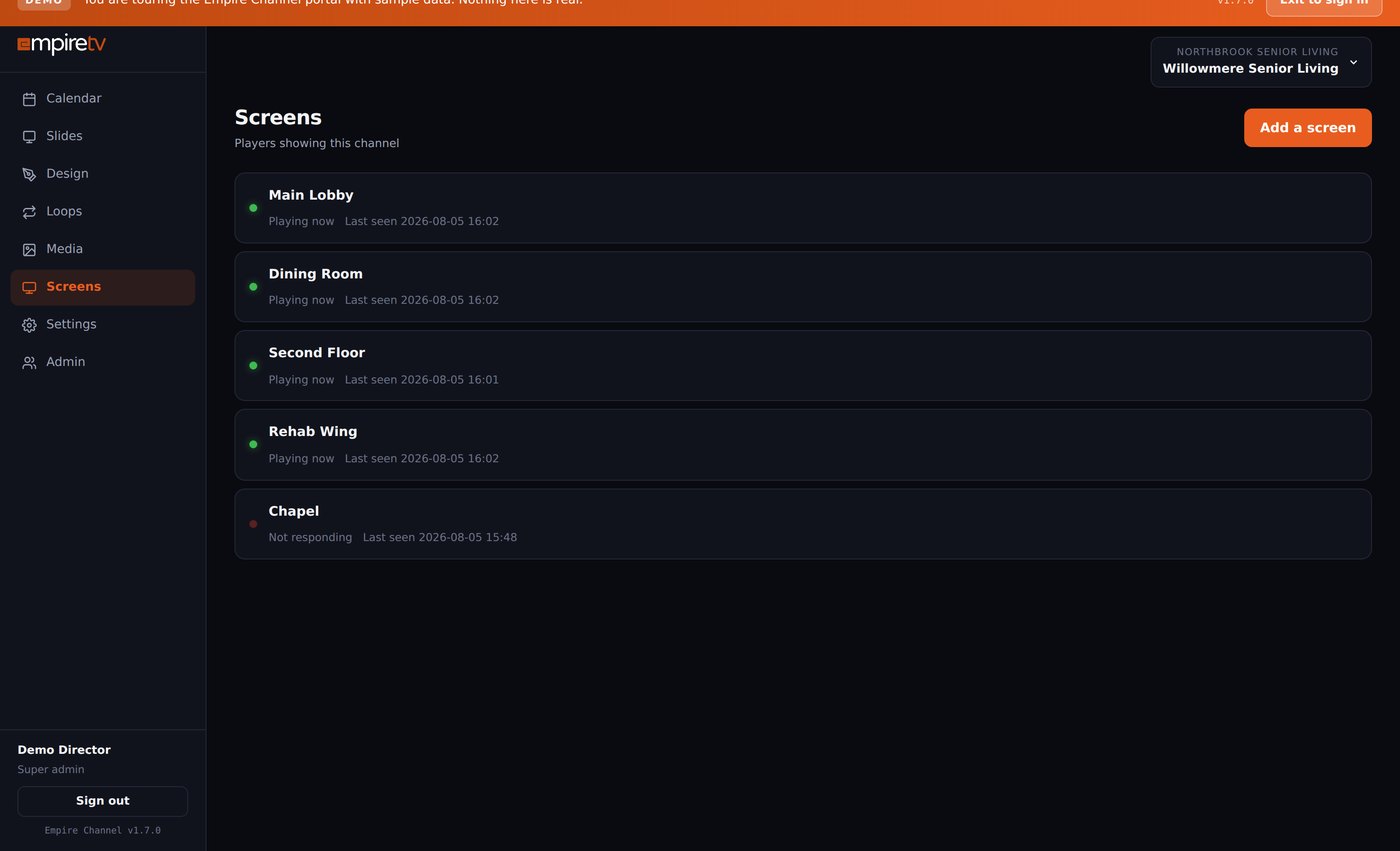
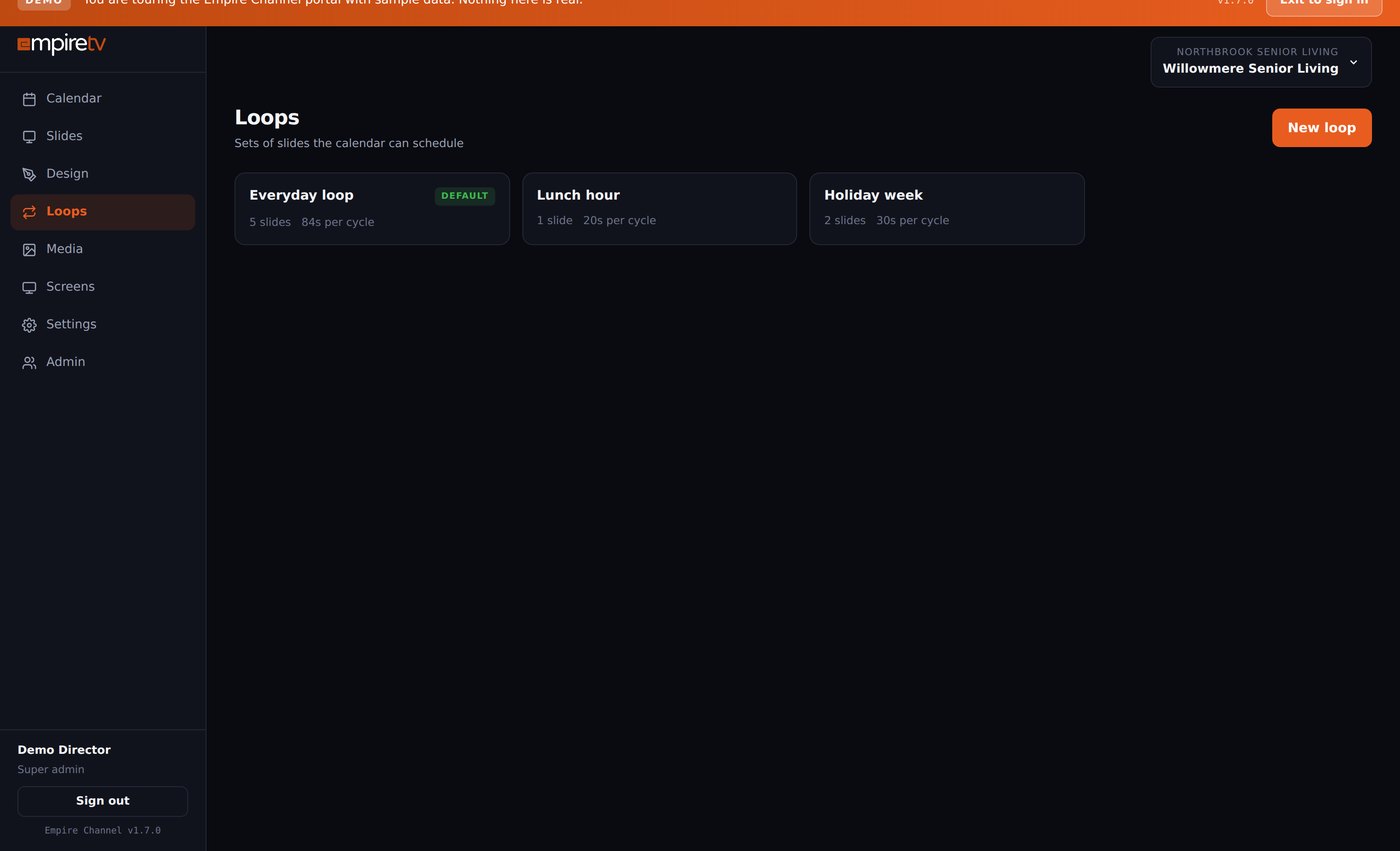
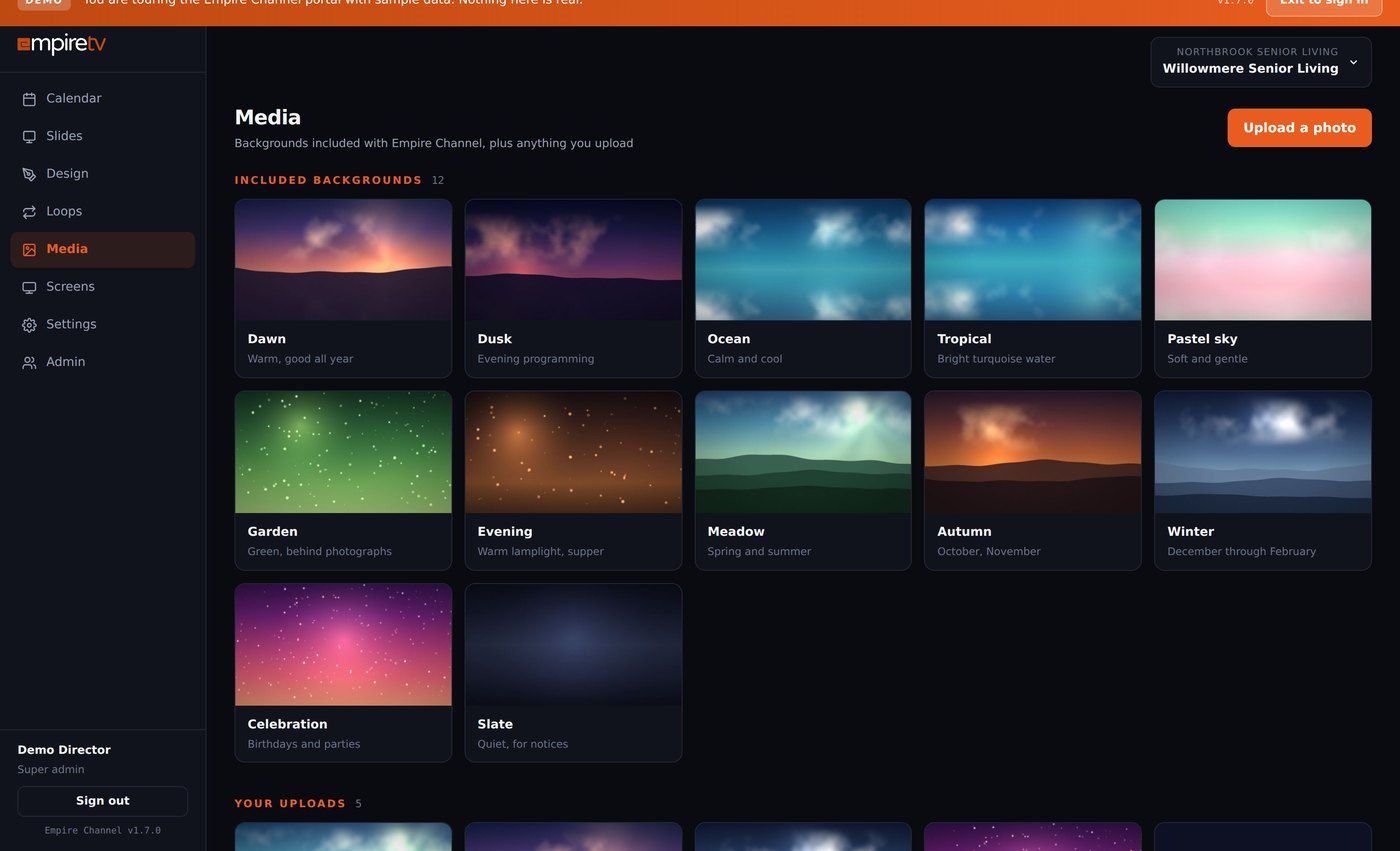
Real screens from the Empire Channel portal.
Everything a resident or guest asks at the front desk,
on the screen instead.
Dining menus
Today’s lunch and dinner, set weeks ahead. The kitchen publishes once and every television in the building is current.
Activities & events
Bingo at two, piano at three, the bus to the garden centre on Thursday. Residents and visitors both see the same day.
Announcements & notices
Visiting hours, maintenance windows, a reminder about flu shots. Post it once and take it down when it is over.
Welcome & branding screens
Your community name, logo and colours on screen — in the lobby, the dining room and every resident room.
Celebrations & birthdays
A birthday, an anniversary, a resident’s photo from the summer picnic. The things families actually stop to read.
A scrolling notice
A ticker along the bottom for visiting hours or a short reminder, without rebuilding the screen behind it.
Live widgets
A clock and date in your own time zone, a countdown to the picnic, a QR code families can scan — they keep themselves right.
Video & web
Drop in a video, or embed a page you already maintain, alongside the rest of the rotation.
One browser tab,
every screen in the building.
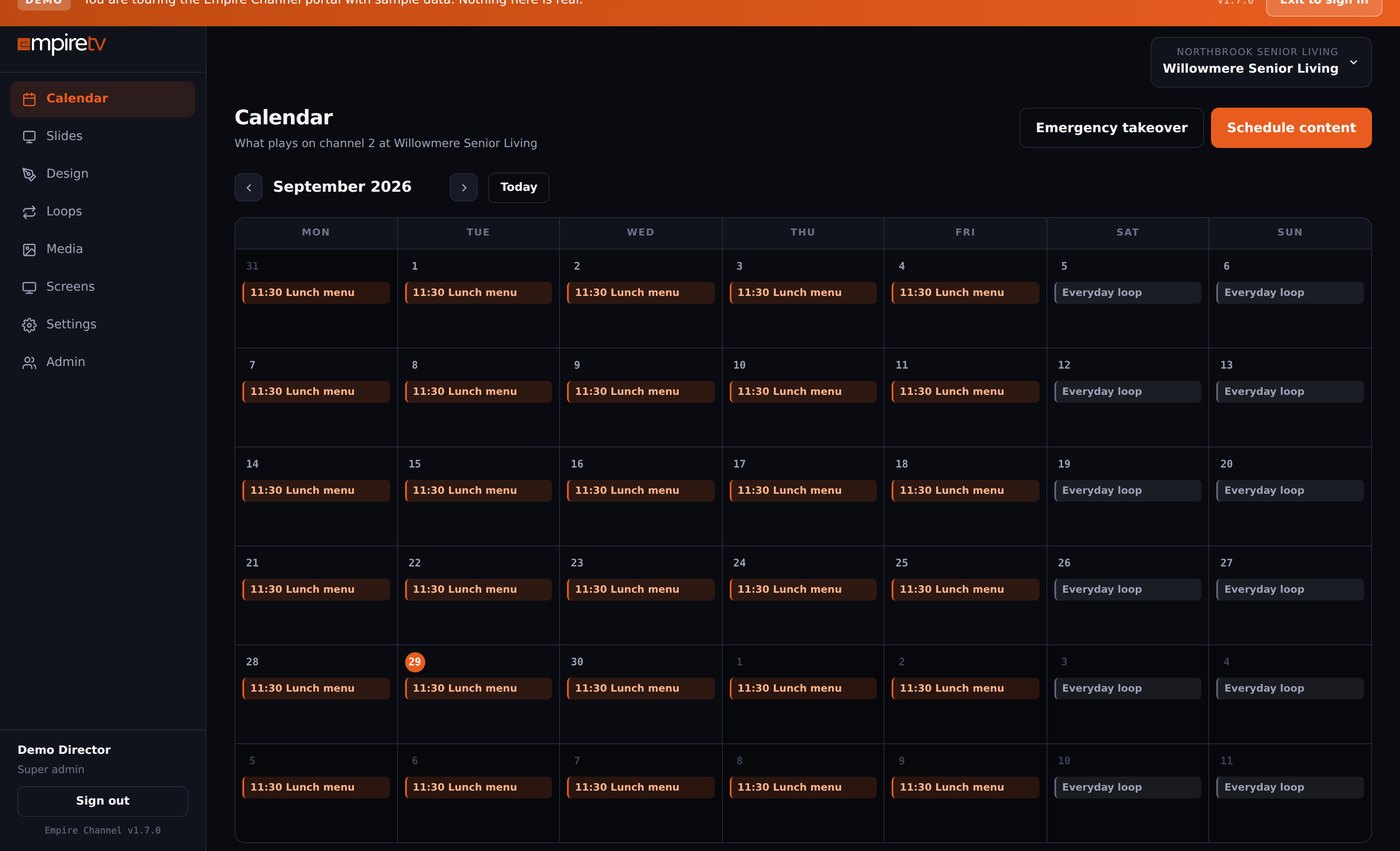
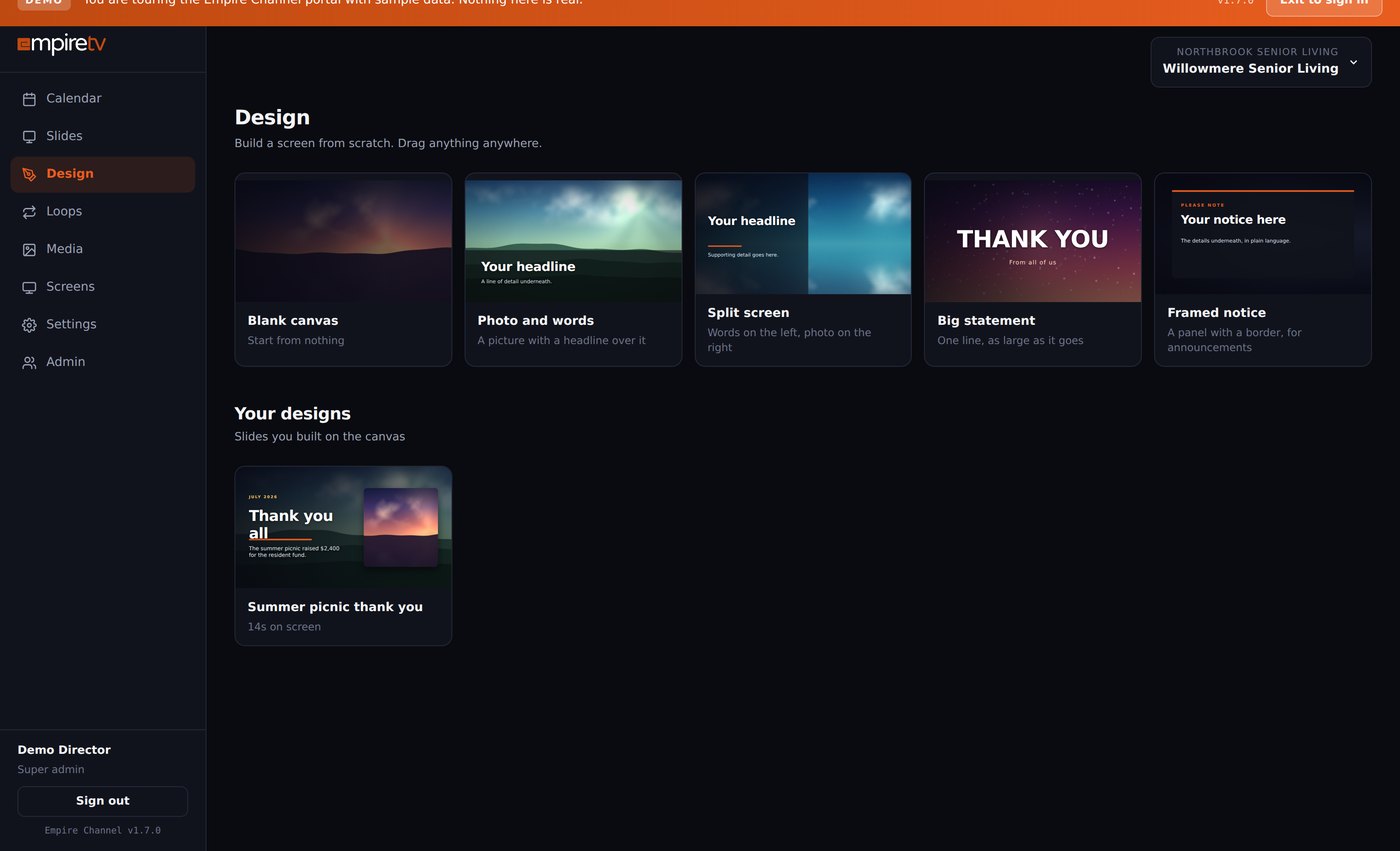
This is the portal your activities director signs into. Nothing to install, no IT ticket, and no training day — we set up the first screens with your real activity calendar.
Part of your TV service.
Not a second subscription.
Digital signage is normally bought as its own system: separate hardware, a separate licence and a separate bill. With Empire TV the community channel runs on the headend and the distribution you already have, and it comes with the service — along with the family app that shows the same content to residents’ families.
Built for buildings where the television
is part of the day.
Your activities director signs in from any computer in the building, drops content on a day, and every television is current in about a minute. No software, no IT ticket, no training day.
Each player holds two days of schedule and media on the device and restarts itself after a power cut, so Saturday morning still appears if the building loses its circuit on Friday night.
A regional director moves between every community from one menu while a local director sees only her own building. Permissions are set per person, and directors add their own team without calling us.
One small box on the rack.
Every television in the building.
A small player and modulator go into your existing rack in one visit. Nothing changes in any resident room.
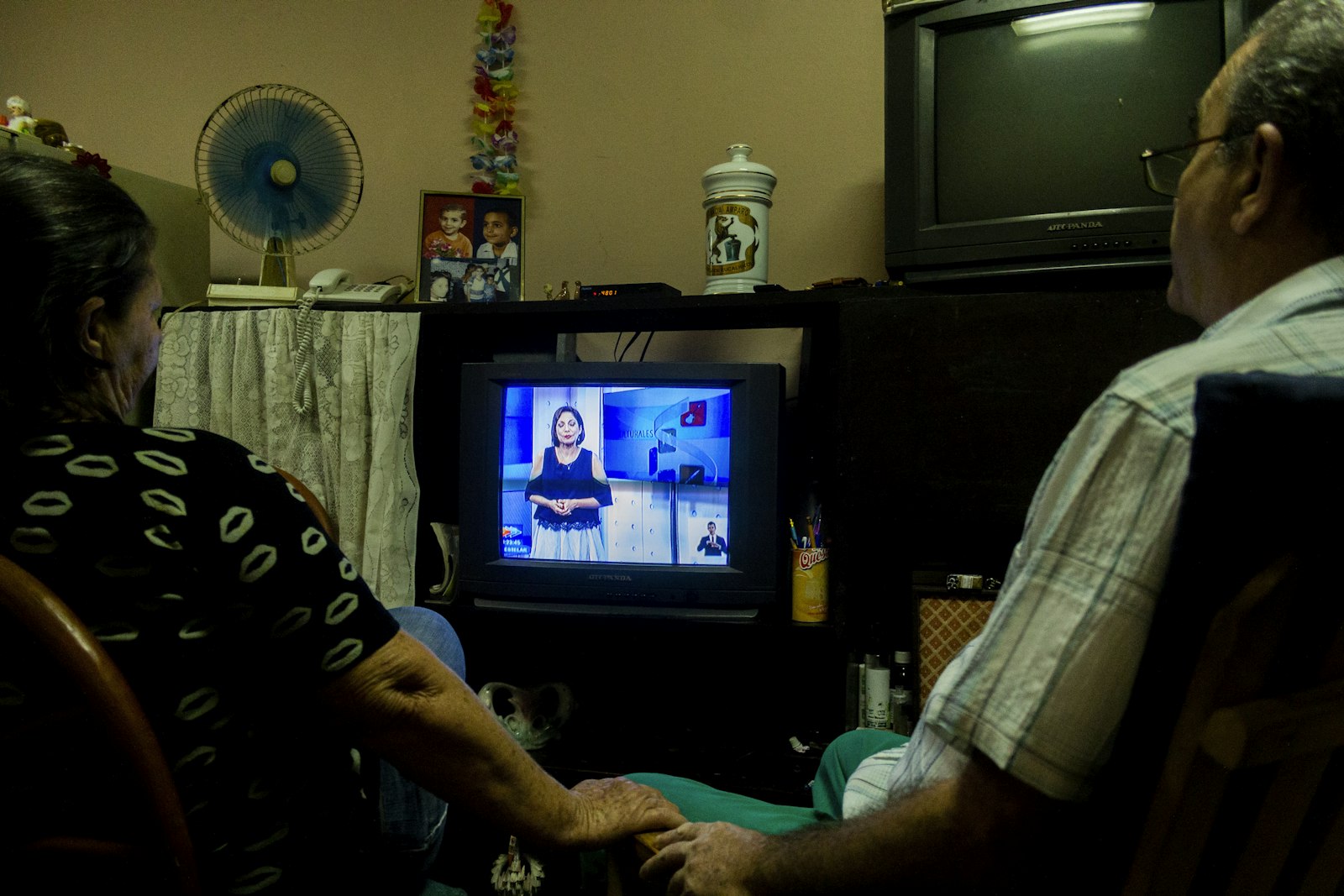
Residents tune to it like any other station — no new remote, no new box, no new wiring.
From any browser in the building. We set up the first screens with your real activity calendar.
New content reaches every television in about a minute, or sits on the calendar until the day it is due.
Straight answers.
The real portal,
running on sample data.
No form and no sales call. Open the demo and click through the actual dashboard your activities director would use, or take the guided tour if you would rather be walked through it.
Send us your bills.
We will show you what is included.
Most operators are paying for signage, TV and support separately. Send us what you pay today and we will show you what one system covers — community channel and family app included.
It is one system.
These are its parts.
The welcome channel, the in-room platform and the headend behind them are designed, installed and supported by the same team, on one account and one invoice.